Finish Page
The publish maps finish page dialog window executes the publishing process and reports the progress messages in a list.
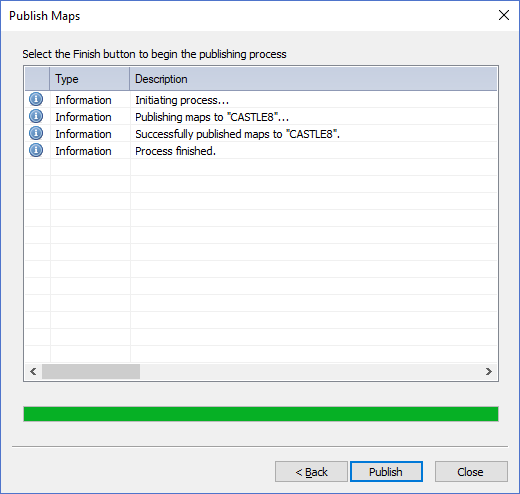
The dialog controls are:
- Select the Finish button to begin the publishing process
A list of log messages that show the publishing progress when the Publish button is clicked. - Progress Meter
A visual progress meter control that displays the percent complete as a visual control bar. - Back
Moves to the previous page in the publishing wizard. - Publish
When this button is clicked the publishing process is executed and the map files specified on the first page of the wizard are published to the Map Server(s) specified on page two of this wizard. The publishing steps are reported in the list window. - Cancel
Closes the Publish Maps Dialog.
Documentation is published by LCIC with the Axis release and imported here in full. Screenshots and wording are the vendor's own.