Print Preview View
Map Publisher Desktop users author maps like the one shown below using the desktop application and then can print maps and data. The print preview shown below allows users to validate the view before sending to the print device. Standard print settings such as page selection and page orientation as available through the print settings dialog. 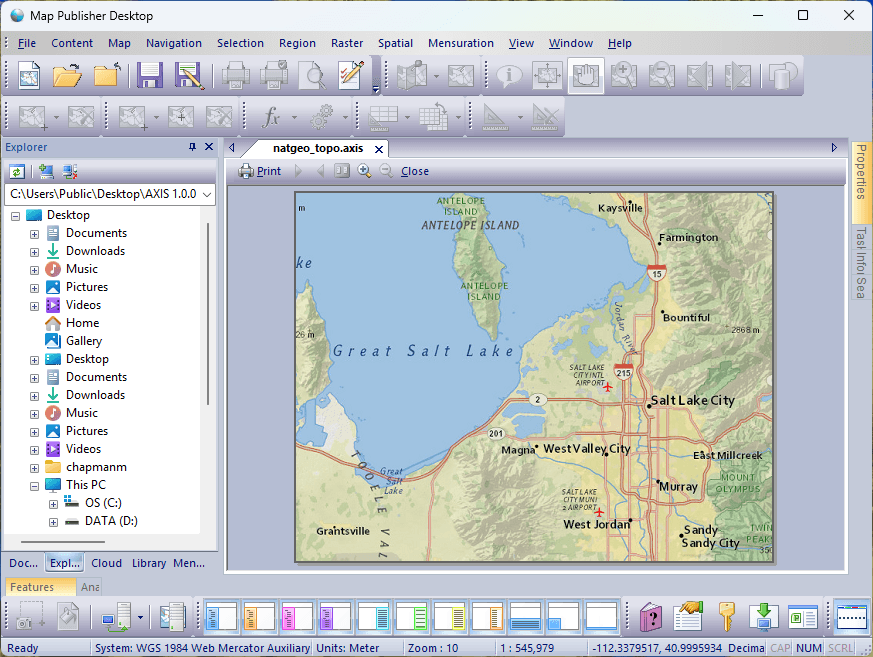
To get started using Map Publisher Desktop and determine what use-case scenario is best for you read the Desktop, Server and How To sections of this help guide. Additional information about the auxilary server components can be found in the help guides that come with those applications.
Documentation is published by LCIC with the Axis release and imported here in full. Screenshots and wording are the vendor's own.