Create Directory Dialog
The cloud create directory dialog window creates a directory in a cloud storage service.
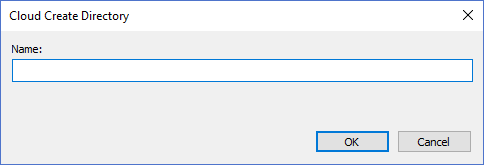
The dialog controls are:
- Name
The name of the directory to be created. - OK
Creates the directory specified in the Name text box and closes the dialog window. - Cancel
Cancels the operation and closes the dialog window.
Documentation is published by LCIC with the Axis release and imported here in full. Screenshots and wording are the vendor's own.