Map View
The Map View window allows map authors to visualize how geospatial data will look in the map as they style them.
Maps can be a combination of data from local files on the network and remotely hosted OGC WMS, WMTS, XYZ, KML services on the web. Map authors maps can create maps using high reolution imagery like USDA NAIP imagery and perform operations like false coloring using the near infrared bad (NIR) or other advanced image processing techniques as shown below.
What you see in the Map View is what you get when you publish using the Axis Web Map Services or open source file formats like OGC GeoPackage and more.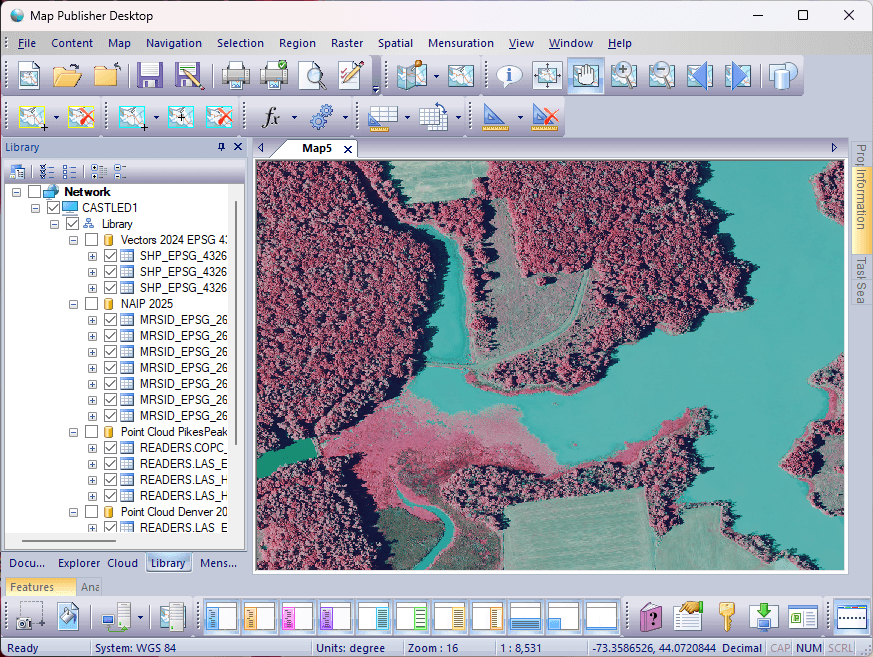
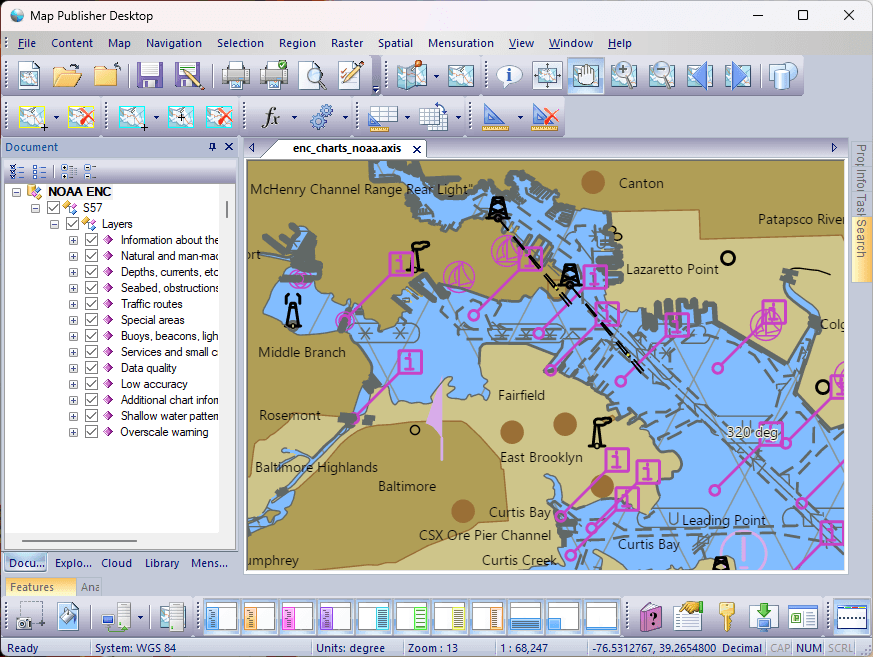
Users can also access remote web services like NOAAs Electronic Navigational Charts (ENC) web map service, and then publish the content via industry standard protocols and formats so other map users on your Intranet / Internet can access it.
Mensuration tools provide area, feature, geodesic, planimetric, and rhumb path tools. Projected coordinate systems such as State Plane and UTM are recommended when doing measurement computations in order to minimize map distortion.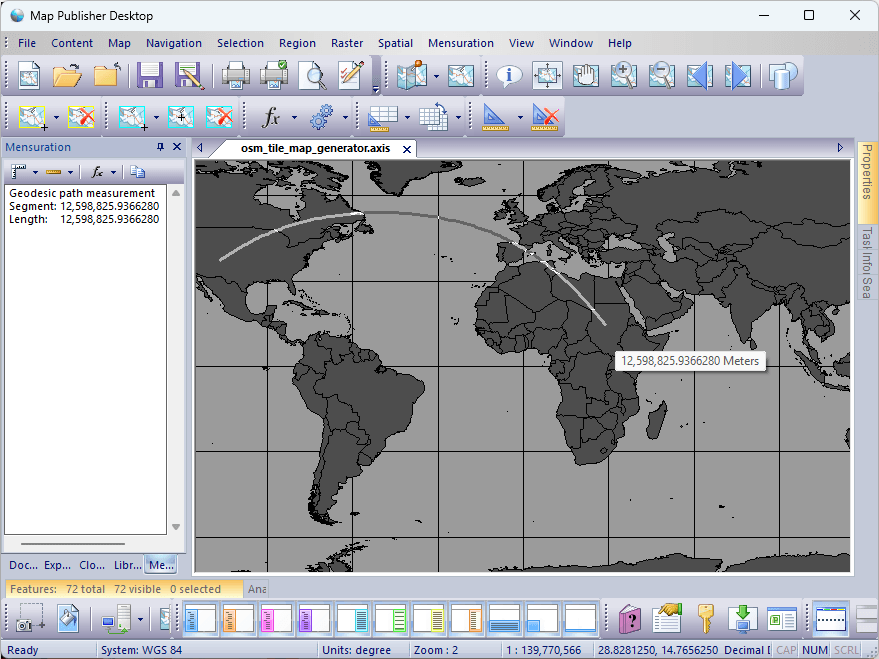
To get started using Map Publisher Desktop and determine what use-case scenario is best for you read the Desktop, Server and How To sections of this help guide. Additional information about the auxilary server components can be found in the help guides that come with those applications.
Documentation is published by LCIC with the Axis release and imported here in full. Screenshots and wording are the vendor's own.