Disconnect Network Drives Dialog
The explorer disconnect network drives dialog window allows the user to disconnect one or more mapped drives from the Windows Shell.
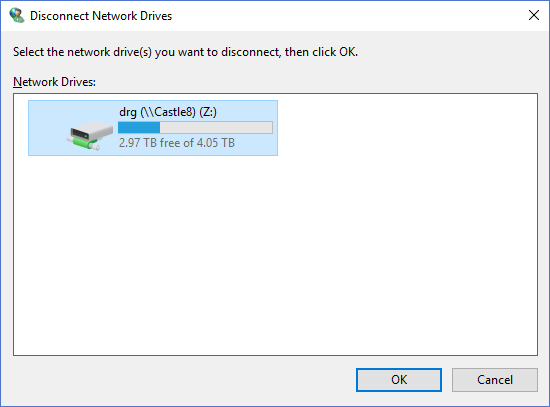
The dialog controls are:
- Network Drives
A list of possible mapped drives that can be disonnected. Select one or more drives to be disconnected. - OK
When clicked the dialog will attempt to disconnect the drives selected in the Network Drives list control. - Cancel
Cancels the operation and closes the dialog window.
Documentation is published by LCIC with the Axis release and imported here in full. Screenshots and wording are the vendor's own.