Explorer Page
The product settings explorer page dialog window allows the user to set default properties settings for the explorer pane.
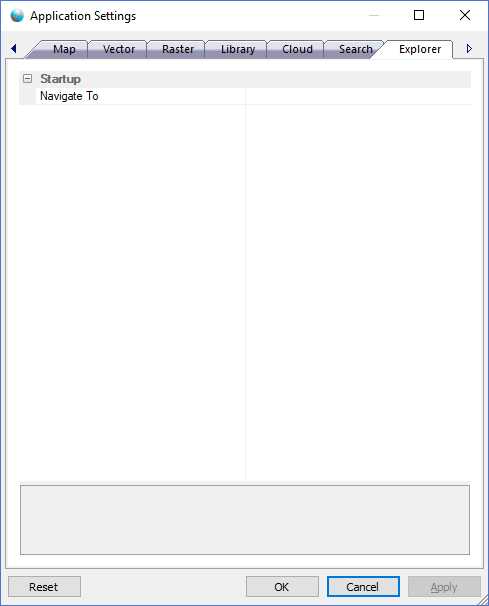
The dialog controls are:
Startup
- Navigate To
Default value. The folder path to navigate to automatically on startup of the Explorer Pane window.
Buttons
- Reset
When this button is clicked the dialog resets all properties on the current page to the original values that were present after product installation. - OK
When this button is clicked all properties on the dialog pages are saved and the dialog window is closed. - Cancel
Closes the dialog window. - Apply
When this button is clicked all properties on the dialog pages are saved but the dialog window is not closed.
Documentation is published by LCIC with the Axis release and imported here in full. Screenshots and wording are the vendor's own.